PineConnector Review 2026: Is It Safe, Legit, or a Scam?
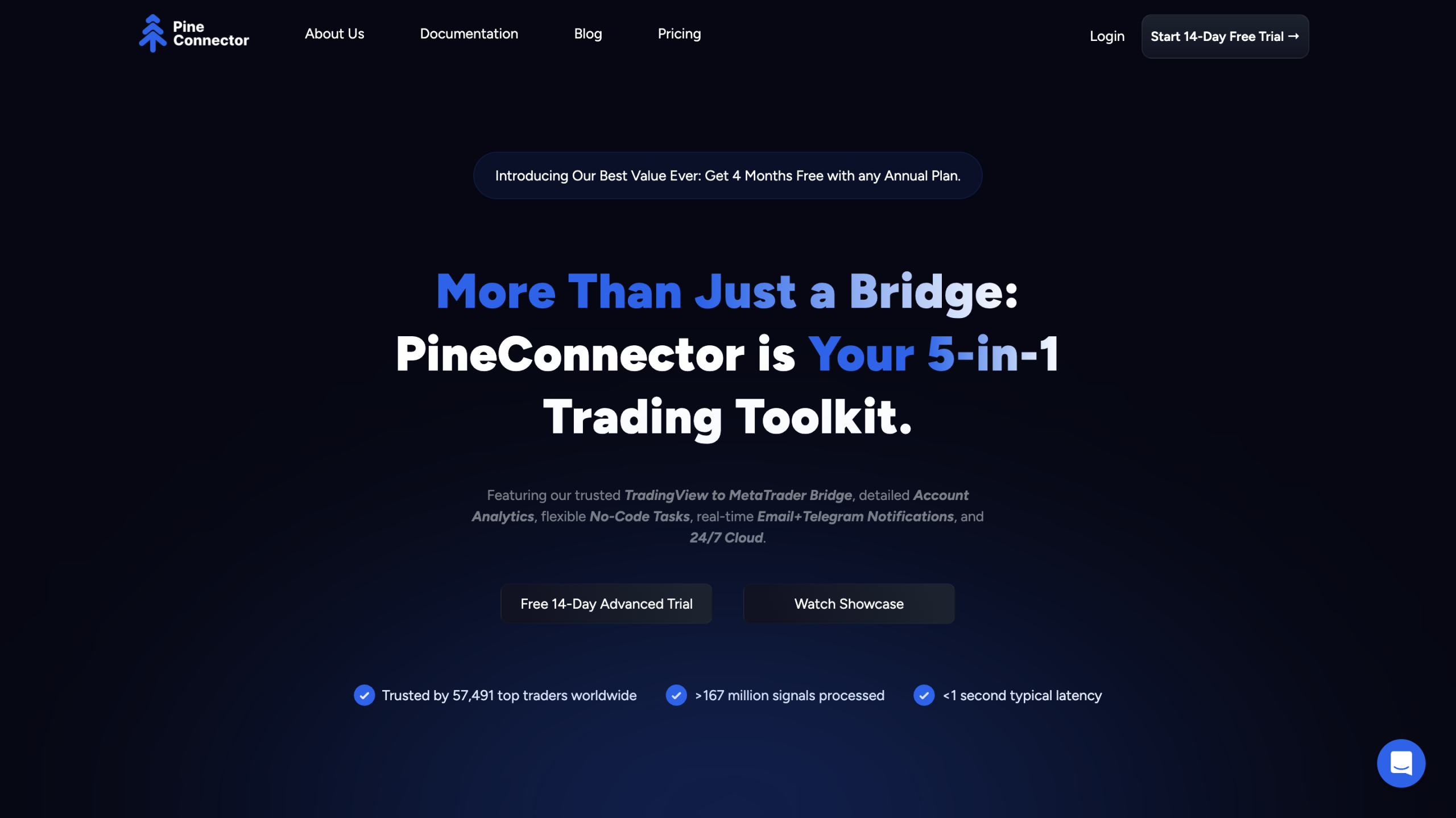
PineConnector is basically a bridge between your TradingView chart alerts and your broker’s trading platform. It allows traders to turn their manually created or purchased TradingView scripts into automated trades that execute in real time. Instead of just getting pop-up alerts, PineConnector sends orders to your broker based on the alert conditions.
It’s mainly used by people who already have their own trading strategies on TradingView and want to automate them without switching to a totally new platform. The bot supports several popular brokers and can handle different order types depending on what your alerts specify. From what I understand, PineConnector doesn’t offer ready-made strategies but rather helps implement your existing ones automatically.
This makes it somewhat unique but also means you need to know what you’re doing with TradingView alerts first. Many user opinions say this set-up flexibility is nice but it requires ongoing tweaking to keep things running smoothly.
Regarding PineConnector safety, it’s important to consider that the bot needs API access to your broker account to place trades. This is common with trading bots but inherently carries some risk, as the bot can open or close positions automatically. Based on user feedback, PineConnector uses secure API connections and doesn’t store your login details beyond what’s necessary to operate.
Is PineConnector legit or a scam? From what I’ve seen, yes, it seems to be a legitimate tool with a real user base and no widespread reports of fraud or theft. That said, some users report bugs or occasional downtime, which might affect trade execution. These technical issues aren’t uncommon in automation tools but you should be ready for some trial and error.
Always keep in mind that safety also depends on your trading decisions and risk management. The bot just executes orders based on your alerts, so it won’t protect you from bad trades. If you’re worried about trust issues, check detailed user testimonials before committing.
PineConnector works by linking your TradingView alerts to your broker via an API. You set up alerts in TradingView based on your own technical analysis or strategy rules. When those alerts trigger, PineConnector reads them and sends the corresponding order to your brokerage account automatically.
From what I’ve seen, the bot doesn’t come with its own built-in strategies or complicated algorithms. Instead, it relies entirely on your TradingView strategy alerts. You can customize these alerts to include different order types, stop losses, take profits, and position sizes. So in effect, the bot executes the trading plan you design in TradingView.
Many users appreciate this flexibility but note it can take some trial and error to configure everything properly. You have to understand your alerts well and test how the orders appear on your broker platform. User feedback about PineConnector trading performance varies since it depends heavily on the quality of the strategies being used. Overall, the bot acts like a real-time messenger between charts and trades, not an autonomous decision-maker.
PineConnector’s pricing structure is fairly straightforward but varies depending on how many connections or features you want to use. From the information available, there is usually a monthly subscription fee charged to access the service. Some plans allow multiple broker connections or more simultaneous alert handling, which can bump up the price.
There’s no free version that I could confirm from public information, so you’ll have to pay to keep using it beyond any trial period. If I’m being honest, the pricing is reasonable compared to other automation tools but may feel steep if you just want to test simple setups. Always check the latest details on their website or user comments for any discounts or changes.
Keep in mind there are no hidden fees related to your brokerage trades; your usual broker commissions still apply separately from PineConnector pricing. Some users mention it’s worth it if you need consistent automation tied to TradingView alerts, but it may not justify the cost for smaller or casual traders.
PineConnector itself doesn’t provide performance results or backtesting data because it’s not a strategy developer; it simply automates your TradingView alerts. So if you want reliable testing or track record, you need to focus on your TradingView strategies first.
From what people say, the accuracy of live trading through PineConnector depends mainly on how well your alerts are coded and how stable your broker connection is. Some users share positive experiences reporting trades that matched their backtested strategies reasonably well. Others mention occasional slippage due to network or API delays, which is fairly normal with automated setups.
Because the bot does not analyze or modify trades, any gains or losses come directly from your strategy’s rules. That means careful testing on paper or demo accounts is essential before risking real money using the PineConnector trading bot. If you want verified historical results, you should look at your original TradingView backtests rather than expect PineConnector to provide those details.
If I’m being honest, PineConnector is a decent tool for traders who want to automate their TradingView alerts without moving to a completely different trading platform. The flexibility to connect to various brokers and execute trades based on your own strategies is a strong point. However, it’s not a beginner-friendly bot. You’ll need some TradingView know-how and patience to get setups running smoothly.
Is PineConnector safe? It seems reasonably secure, provided you trust the bot with API access to your broker. You should monitor trades and be ready for occasional glitches or delays. Many users share positive testimonials about improved automation, but some report connection hiccups and support that can be hit-or-miss.
The pricing is fair for what it offers but it might not suit casual traders or those unwilling to customize. If you’re curious about PineConnector strategies, the key is that it automates what you create yourself, not offering preset algorithms. Overall, it’s a useful option if you want to control your trading signals fully and can handle some trial and error. Just make sure to compare it alongside other solutions and read plenty of real user experiences with PineConnector trading bot first.
Looking at PineConnector’s user feedback, customer support seems okay but not outstanding. Some users mention helpful responses through their support channels, while others find the support a bit slow or lacking detailed guidance. Since it’s mostly a technical integration tool, many complaints center around setup problems or bugs rather than customer service itself.
The most common complaints involve occasional order delays, disconnections, or trouble linking broker APIs. These are typical issues for any automated trading tool but can be frustrating if you’re relying on quick trade execution. On the plus side, there are quite a few testimonials where users say the support team helped troubleshoot and resolve issues eventually.
Real user experiences with PineConnector trading bot show a mix of satisfaction and patience required. If you’re not very tech-savvy, the learning curve might feel steep, but experienced traders find it a useful way to automate alerts. If support quality is a priority for you, keep in mind it might not be as hands-on as bigger software companies. But from what I gathered, it’s good enough for most users willing to engage with the community or tutorials.